
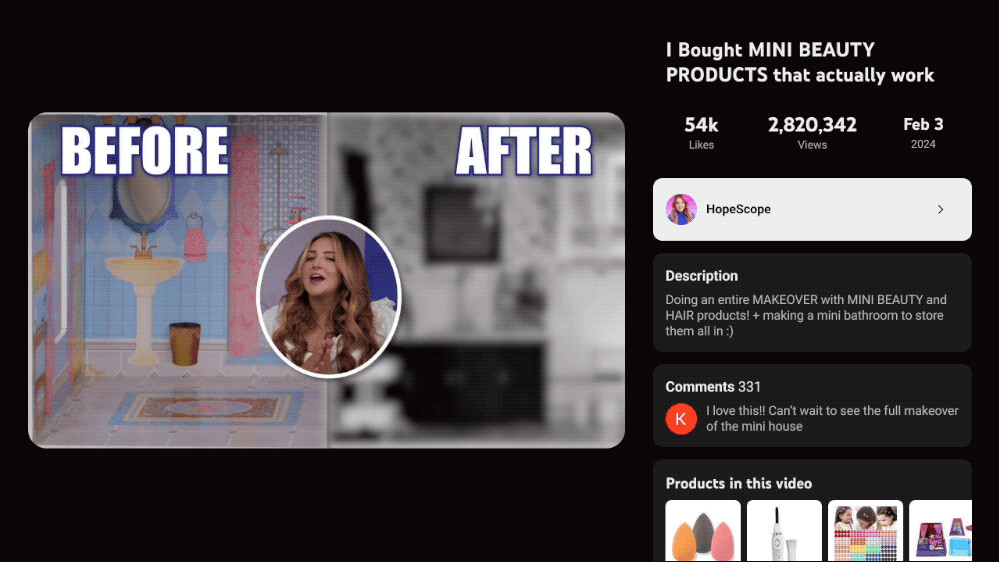
YouTube has officially started rolling out its redesigned video player experience for smart TVs and large-screen devices, aiming to make content consumption more immersive, intuitive, and user-friendly. This update focuses on improved navigation, cleaner visuals, and faster access to key features — especially for users who primarily watch YouTube on televisions rather than smartphones or desktops.
As YouTube continues to optimize its platform for living-room viewing, this redesign marks a major step toward a TV-first streaming experience.
What’s New in YouTube’s TV Video Player?
The updated YouTube TV interface introduces several noticeable changes that enhance both usability and aesthetics.
1. Cleaner & More Modern Layout
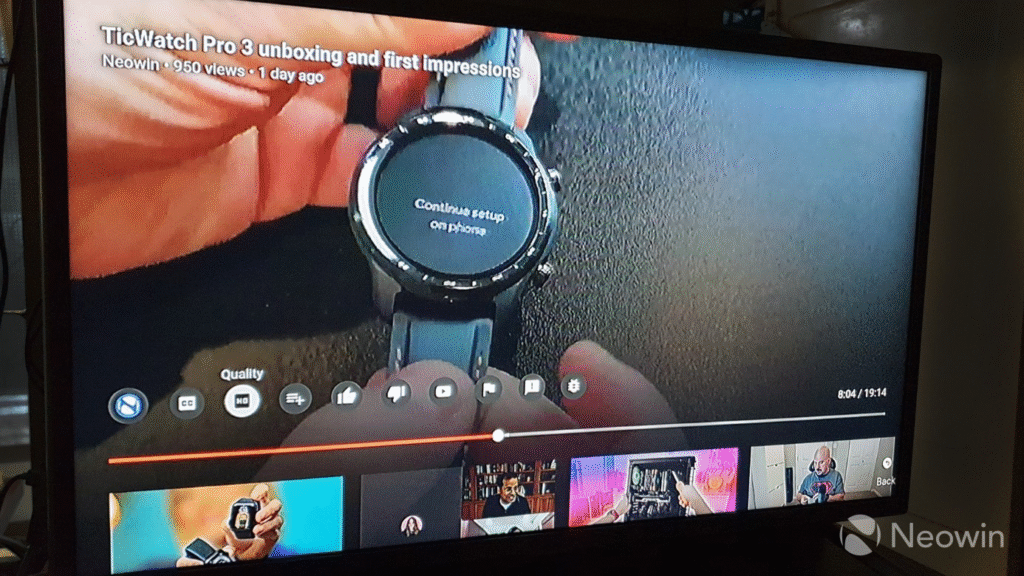
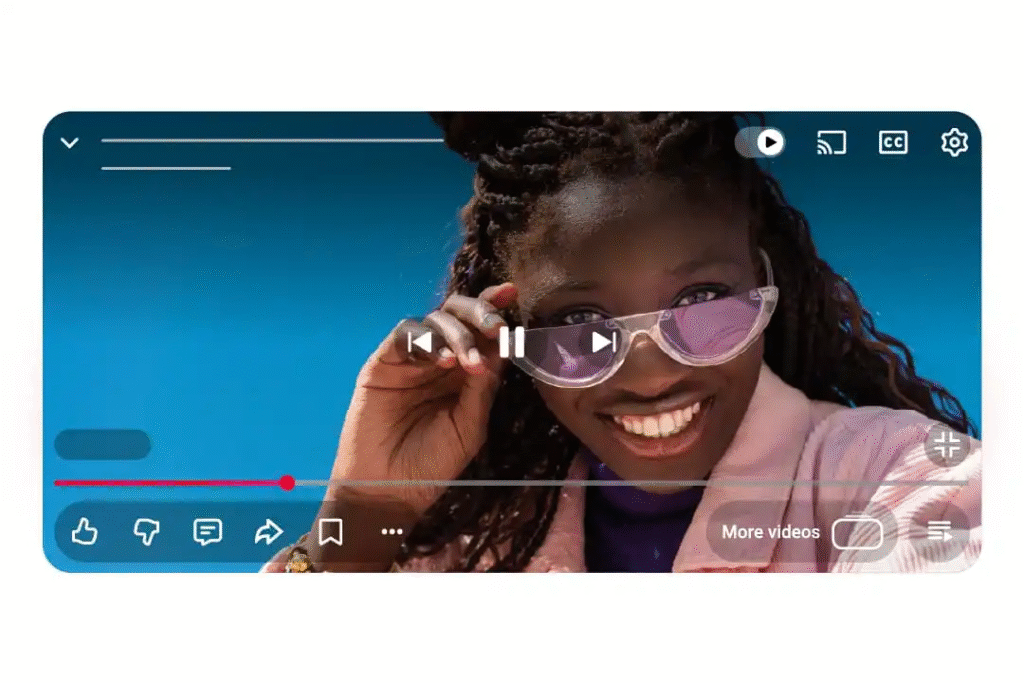
The new video player features a minimal and distraction-free design, allowing videos to remain the center of attention. Playback controls now appear more organized, making them easier to access using a TV remote.
For a deeper understanding of YouTube interface updates, you can also explore our guide on YouTube app updates and UI changes.
2. Improved Navigation for Remote Controls
YouTube has optimized the interface specifically for D-pad and remote navigation, reducing unnecessary clicks. Key options like captions, video quality, autoplay, and settings are now easier to reach.
You may also find our article on smart TV app usability improvements helpful for comparison.
3. Enhanced Video Discovery
The redesigned player improves how recommended videos and playlists are displayed once a video ends. This makes discovering related content smoother without interrupting the viewing experience.
Check out our detailed post on how YouTube’s recommendation system works to understand this better.
Key Features at a Glance (Table)
| Feature | Old Player | New Redesigned Player |
|---|---|---|
| Interface Design | Basic & cluttered | Clean & modern |
| Remote Navigation | Limited optimization | Fully remote-friendly |
| Settings Access | Multiple steps | Quick & simplified |
| Video Recommendations | Standard layout | Improved visibility |
| Overall Experience | Functional | More immersive |
Supported Devices
The redesigned YouTube video player is rolling out gradually and will be available on:
- Smart TVs (Android TV, Google TV, Samsung, LG)
- Streaming devices (Chromecast, Fire TV, Apple TV)
- Gaming consoles with YouTube TV app
To know more about device compatibility, visit our internal guide on YouTube supported devices and platforms.
Why This Update Matters
With more users watching YouTube on televisions than ever before, the platform is clearly focusing on long-form content and living-room engagement. This redesign improves:
- Viewer comfort during long watch sessions
- Accessibility for non-tech users
- Overall content discovery
If you’re interested in how YouTube is competing with OTT platforms, read our article on YouTube vs streaming services.
Rollout Timeline
The rollout is happening in phases, meaning some users may see the new player immediately, while others will receive it through upcoming app updates.
Stay updated by following our page on latest YouTube feature rollouts.
Final Thoughts
YouTube’s redesigned video player for TVs is a welcome upgrade that reflects how viewing habits are evolving. By prioritizing simplicity, usability, and immersion, YouTube is making TV-based viewing more enjoyable and future-ready.
If you regularly watch YouTube on a smart TV, this update is designed to enhance your experience — and it’s only the beginning of more TV-focused improvements to come.
The information provided in this article is for informational purposes only. Features, interface design, and availability of YouTube’s redesigned video player for TVs may vary by device, region, and software version. YouTube and Google may modify or discontinue features at any time without prior notice.
#YouTubeUpdate #YouTubeTV #YouTubePlayer #SmartTV #Carrerbook #Anslation #YouTubeRedesign #StreamingUpdates #TechNews #DigitalStreaming #OTTPlatforms #YouTubeFeatures #AndroidTV #GoogleTV #TVApps #VideoStreaming