
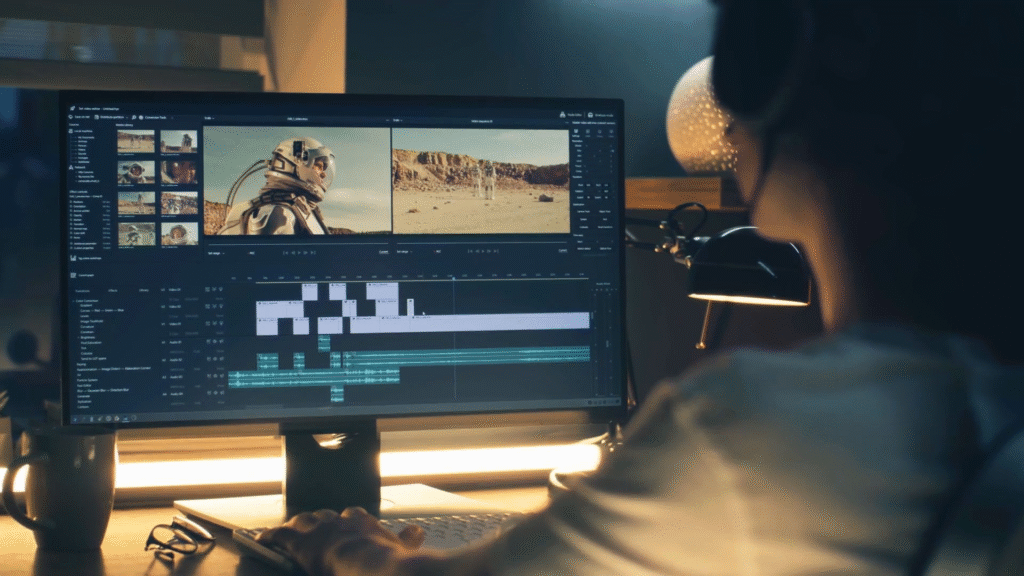
Best Video editing can feel confusing at first. You open an editing app and suddenly there are tracks, buttons, music, filters, text options, and a lot of things you have never used before. It is easy to wonder where you are even supposed to start.
You really do not need to know everything right away. Learn a few useful tools, make some short videos, and get comfortable with the Best Video editing process. After that, the other features become much easier to understand. The following tips are useful whether you are making a YouTube video, an Instagram Reel, a college project, or simply putting together some clips from a trip.
1. Choose an Best Video Editing App That Is Easy to Use
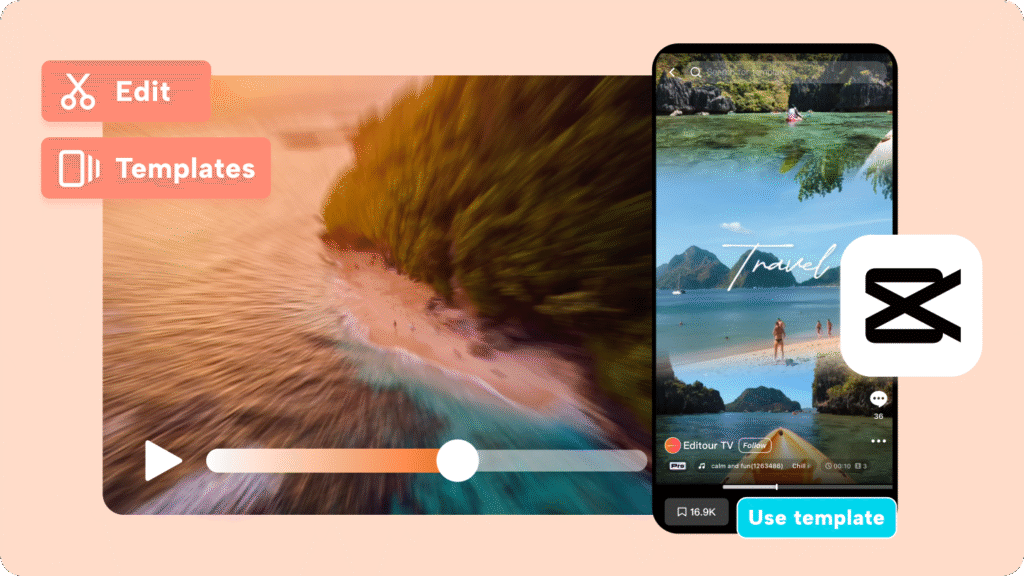
There is no need to begin with complicated editing software. Pick an app where you can easily find basic options such as trim, split, text, music, and speed control.
Having hundreds of features does not automatically make an editor better for a beginner. In fact, it can make things harder. Once you know your way around the basic tools, you can start trying the more advanced ones.
2. Sort Your Clips Before You Start
A little preparation can save quite a bit of time. Put your video clips, pictures, music, and voice recordings somewhere you can find them easily.
If you have recorded a lot of footage, remove the clips you already know you will not use. You can also give important files simple names. It is much easier to edit when you are not constantly searching for the right video.
3. Do Not Be Afraid to Cut
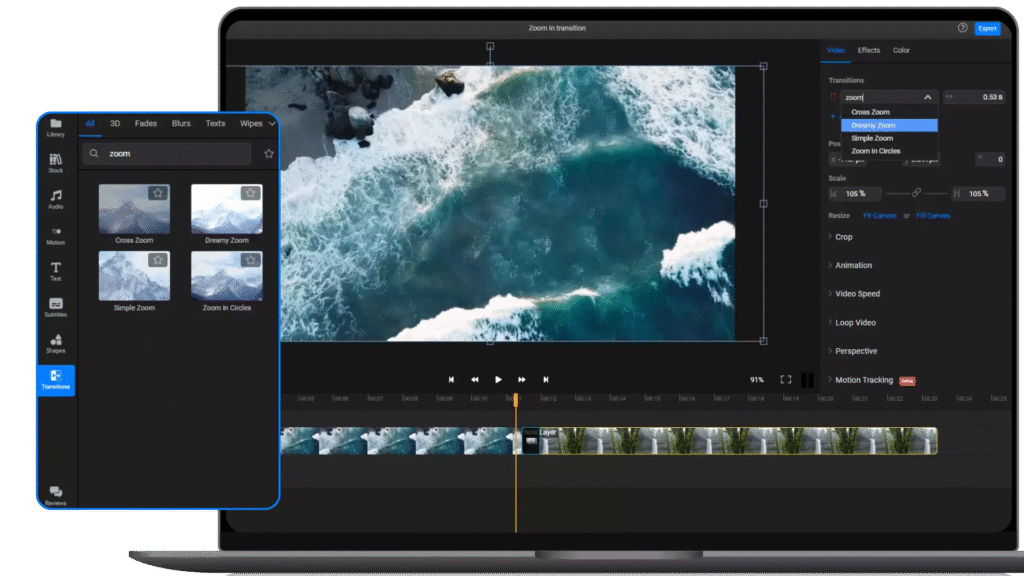
When recording, we often capture more footage than we actually need. That is perfectly fine. The editing stage is where you decide what stays.
Cut out long silences, repeated shots, accidental recordings, and parts that simply do not add anything. Sometimes a video becomes noticeably better just by removing a few unnecessary seconds.
4. Think About Your Opening
The start of a video should give people a reason to keep watching. It could be an interesting clip, a question, a quick preview, or the main idea of the Best Video Editing.
There is no need for a long introduction, especially in a short Reel or Short. Get to the useful or interesting part instead of making viewers wait for it.
5. Keep Transitions Under Control
Transitions can be useful, but you probably need fewer of them than you think. A simple cut from one clip to another often works perfectly well.
A fade can be useful when there is a change in location, time, or mood. Fancy transitions have their place, but putting a different one between every clip can make the video feel busy.
6. Do Not Let Music Cover the Voice
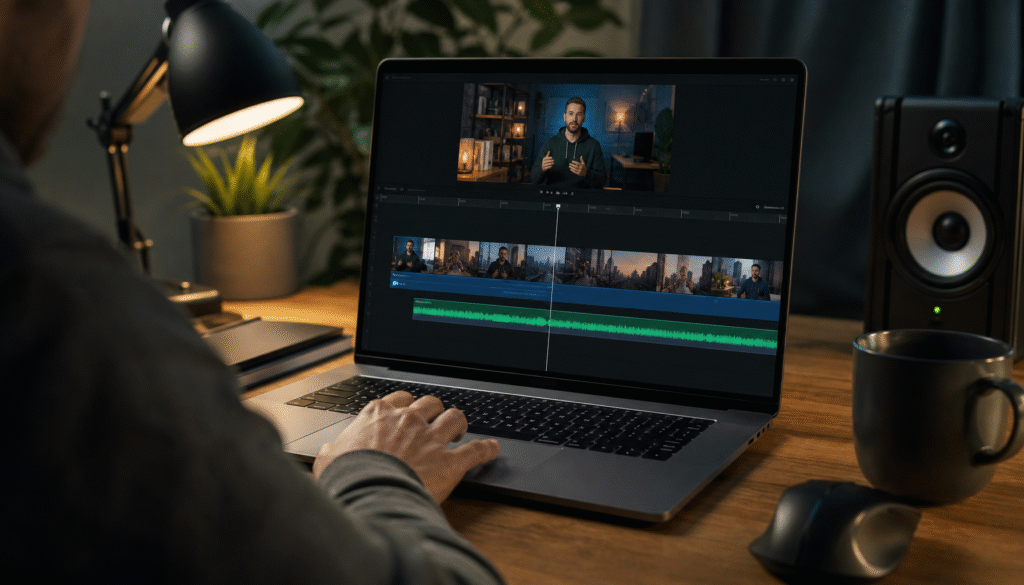
Background music can change the whole mood of a video. The problem starts when the music becomes louder than the person speaking.
Listen to the video with headphones if possible. If the words are difficult to hear, bring the music down. During sections where nobody is speaking, you can let the music come forward a little more.
7. Give Your Audio a Proper Check
It is easy to concentrate on the pictures and forget about the sound. Try not to make that mistake.
Listen for unwanted background noise, very low speech, sudden loud sounds, or parts where the volume changes for no obvious reason. If your editor has a noise-reduction option, try it gently rather than turning it up as much as possible.
8. Keep Text Simple In Best Video Editing
Text can be helpful for headings, names, prices, instructions, or short explanations. But viewers should not have to struggle to read it.
Choose a clear font and keep sentences reasonably short. Also check where the text appears. White writing over a bright background, for example, may disappear.
One more thing: give people enough time to read. If the text vanishes almost immediately, even good information becomes useless.
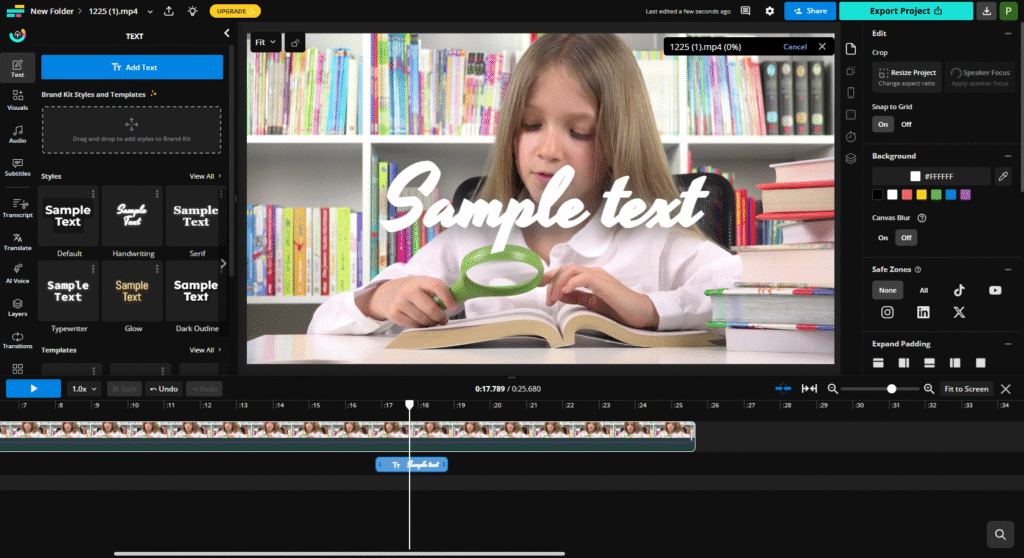
9. Do Not Change the Style Every Few Seconds
A video does not need five different fonts and a new colour for every scene. Pick a look and stay reasonably consistent with it.
Maybe you prefer a clean font with a couple of colours. That is enough. Keeping similar text and design choices throughout the Best video Editing can make the whole project feel much more put together.
10. Check the Video Size Before Best Video Editing
Where are you planning to upload the video? That question is worth asking before you start.
Short-form videos such as Reels and Shorts are generally made for a vertical screen. Many standard YouTube videos are horizontal. If you choose the wrong format, you may later discover that someone’s face, text, or another important part of the shot has been pushed out of the frame.
Setting the project size at the beginning can save you from that headache.
11. Use Effects Because They Fit the Best Video Editing
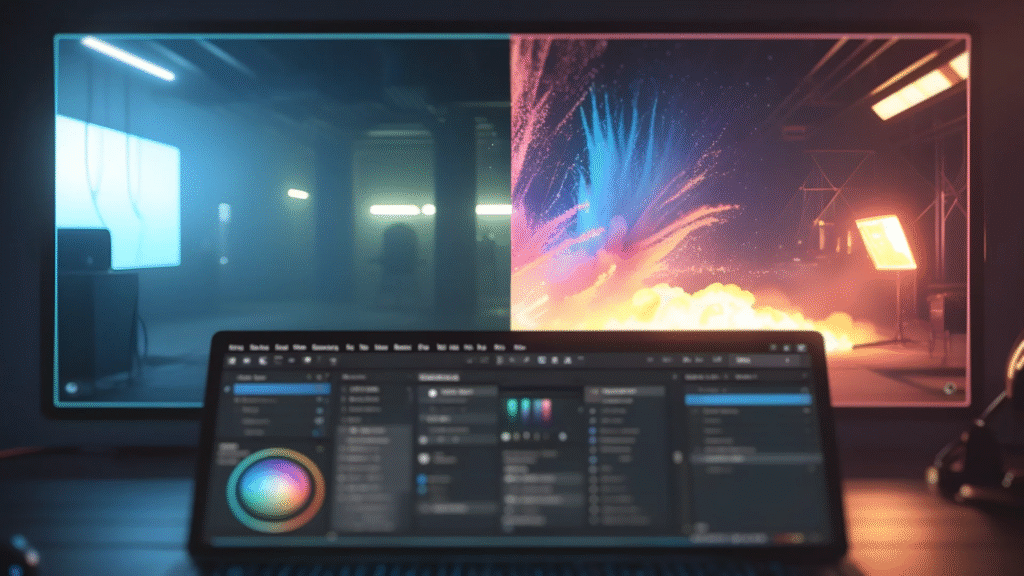
Best Video Editing apps come with plenty of tempting effects. It can be fun to try them all, but not every clip needs an animation, zoom, filter, or sticker.
Think about what the effect is doing. If it makes a particular moment clearer or adds something to the mood, keep it. If it is there only because it looked interesting in the effects menu, you can probably leave it out.
12. Watch the Whole Video Before Exporting
Once you think the edit is finished, watch the entire thing. Do not just check the last few clips.
You may notice a spelling mistake, a clip that starts too early, a strange jump in the audio, or a blank frame that you missed while editing. These small problems are much easier to fix before the final export.
It is also a good idea to watch the video once without touching the Best Video editing controls. Just watch it normally and see how it feels.
13. Practise on Small Best Video Editing
You do not have to make a ten-minute to learn Best Video editing. A 30-second project can teach you quite a lot.
Try making a small food video, a few travel clips, a product video, or a short Reel from your phone. You can practise cutting, adding music, placing text, and adjusting the timing without spending hours on one project.
Once short edits start feeling comfortable, move on to longer ones.
14. Pay Attention to Videos You Enjoy
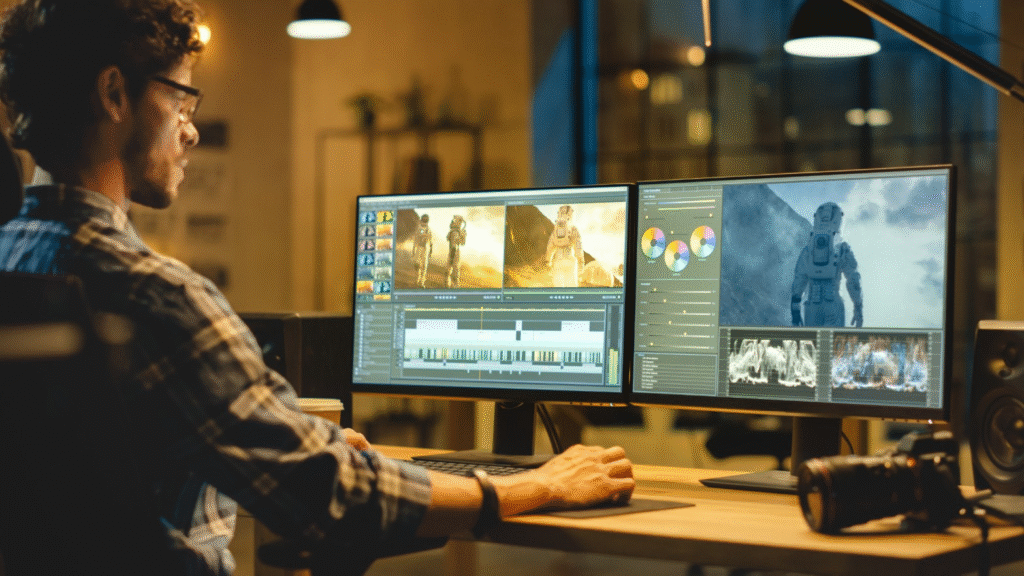
The videos you already like can teach you a lot about Best Video editing. While watching them, notice when the creator cuts to a new scene. Listen to how the music changes. Look at how long text stays on screen.
You do not need to copy the entire video. Pick one idea that interests you and try it with your own footage. After doing this several times, you will naturally become better at noticing what makes an edit work.
Final Thoughts
Best Video editing gets easier when you practise regularly. You may need extra time for your first few projects, but each edit teaches you something new. Begin with the basics—choose the right clips, remove unnecessary footage, adjust the sound, and keep the story easy to follow.
FAQs

How to Get a Personal Loan in India
few years ago, I found myself in a position where I needed a significant amount…
Profitable Business Ideas for Students to Earn Money in 2026
I still remember sitting on my twin-sized college bed during my second semester, opening my…

How to Invest in Fixed Deposits in 2026
When I first started earning and saving money, the investment world felt completely overwhelming to…

The Best Stock Market Investment Tips for Beginners in 2026
When I first stepped into the stock market back in 2021, I was convinced I’d…
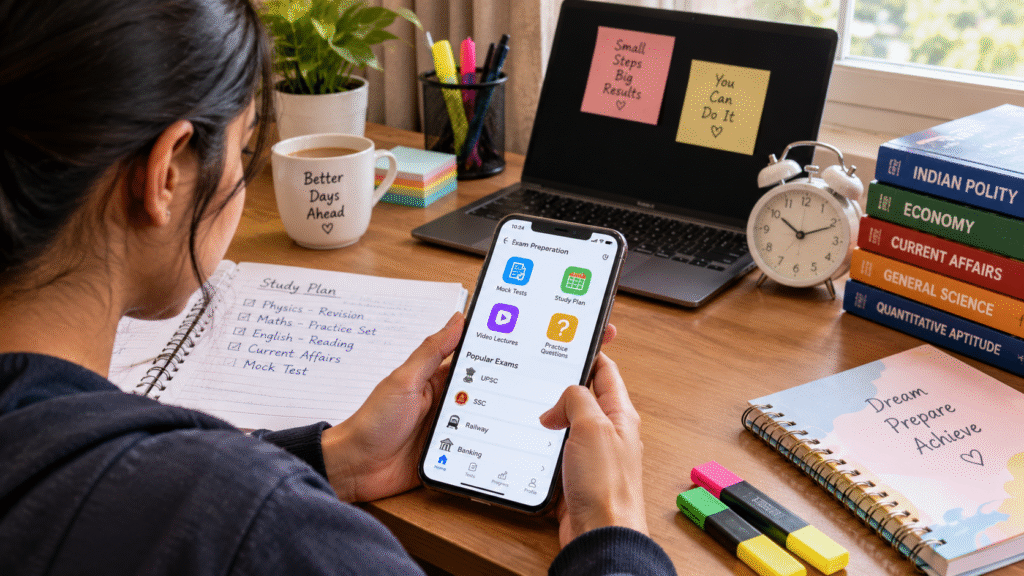
The Best Apps for Exam Preparation in India
When I first started preparing for competitive exams in India, my study table was a…

How to Start an E-commerce Business in India in 2026
When I took the plunge into online selling in India back in early 2024, my…